How to Download and Use Graffiti PNGs
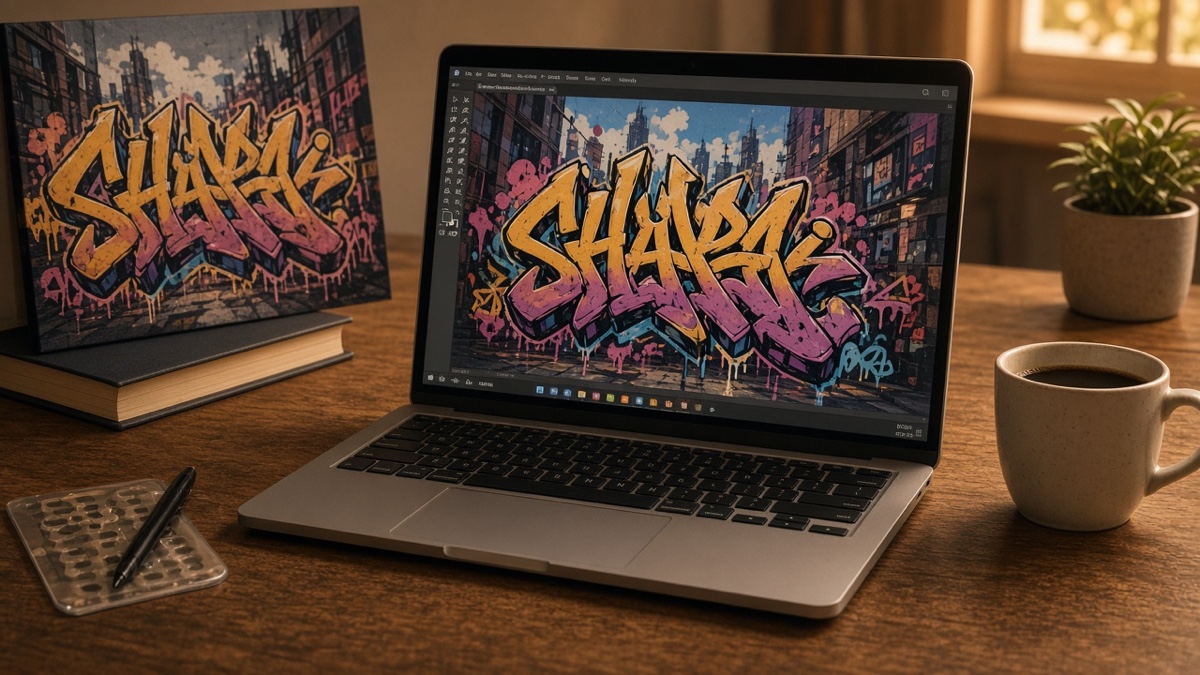
You exported a graffiti tag, opened the file, and saw a gray and white checkerboard behind the letters. Is that a background baked into the image, or just the preview lying to you? That confusion stops a lot of first downloads cold.
A graffiti PNG is a flat picture file, not a font you can retype, and the way transparency shows up depends on which app opens it next. The Graffiti Generator exports at 800 by 600 every time. This timeline walks from styling on canvas through download, verification, design-app import, and platform upload so you know what changes at each step.
Stage one: what gets painted before you click download?
Before any download graffiti PNG lands on your device, the generator paints text onto an HTML canvas at 800 pixels wide by 600 pixels tall. Fill color, outline stroke, optional drop shadow, and a procedural spray speckle layer stack in one render pass. Nothing in that file is editable text. Change the word and you generate a new PNG.
Open the Graffiti Generator, type up to thirty characters, and pick a font. Eight open-source faces ship on this site: Permanent Marker, Rock Salt, Bungee Shade, Bangers, Rubik Spray Paint, Anton, Black Ops One, and Creepster. Set fill and outline colors, outline width, spray intensity, and background mode.
PNG supports an alpha channel, which records how opaque each pixel is. Pixels with alpha zero are fully transparent. The PNG specification defines that channel separately from RGB color data. If you picked Solid or Wall texture before export, the background color or speckled fill is painted into the pixels and cannot be removed later without manual masking. Transparent mode leaves the area outside the lettering empty so downstream apps show whatever sits behind the layer.
That distinction matters because many people confuse raster PNGs with Unicode fancy text. Read Unicode text vs font generators when you need characters in a bio, not a picture in an image slot.
Stage two: how does the browser save your graffiti PNG?
Click Download PNG after fonts finish loading and the preview matches what you want. The browser creates a temporary object URL, triggers a save dialog or silent download, and names the file with a timestamp like graffiti-1726612345678.png. Mobile browsers follow the same flow, though the save location depends on whether you use Files, Photos, or a generic Downloads folder.
Concrete example: type CREW, set Permanent Marker, red fill #ff2d55, black outline width 4, spray 30 percent, transparent background. Download yields an 800 by 600 PNG with pink letters, black stroke, and speckle around the edges. Open it in Preview on macOS and the checkerboard appears. Drop it onto a blue rectangle in Keynote and the blue shows through. Same file, two honest previews.
Copy image runs in parallel. It calls navigator.clipboard.write with a ClipboardItem wrapping an image/png blob. That path needs HTTPS or localhost, user permission in some browsers, and support for binary clipboard payloads. Safari on iOS often lacks image clipboard writes entirely, so tapping Copy image may immediately save a PNG instead. The generator catches that failure and falls back to download.
Download when you need a file you can find again. Copy when you already know the target app accepts pasted PNGs.
Stage three: how do you verify the file before reusing it?
Open the saved PNG in any viewer that respects alpha: Preview, Photos, Windows Photos, or your design app import dialog. Transparent pixels should show the app background through the empty areas around letters. If you see a solid white or gray rectangle, you exported with Solid or Wall selected, or an intermediate tool flattened the file.
Check dimensions. The canvas is always 800 by 600 at 1x scale. Preview zoom on a phone does not change the downloaded pixel count. That is fine for Story stickers, Discord banners within size caps, and slide accents. It is tight for full-bleed poster art or detailed shirt prints above ten inches wide.
Font licensing travels with commercial use. Permanent Marker and Rock Salt use Apache 2.0. Bungee Shade, Bangers, Rubik Spray Paint, Anton, Black Ops One, and Creepster use SIL OFL 1.1. Read the license files in public/fonts/ before selling merch.
I keep a Downloads subfolder for PNG tags because paste-to-Canva fails often enough that I want the file path, not the clipboard.
Not a font file. A picture. Plan around that and the download step stays boring in the best way.
Stage four: what happens when you import into Canva or Figma?
Both tools import external PNGs as image layers. Treat the graffiti file as a sticker, not as text you can edit with the type tool.
Canva: Create a design, open Uploads, and drag the PNG from your downloads folder. Resize from a corner handle while holding Shift for proportional scaling. If the background turns white on the artboard, re-export with Transparent selected instead of Solid.
Figma: Start a frame, use Place image or drag the file onto the canvas. Figma preserves alpha on PNG imports. Mark the layer clearly so teammates do not try to double-click into live text that does not exist.
Keep a master copy outside the design file. Exported JPEGs will not carry transparency even if the source PNG did. If you skipped Adobe entirely to get here, how to make graffiti without Photoshop explains what layer features you traded for speed.
Stage five: where does the PNG land on Discord and Instagram?
Discord accepts uploaded PNGs for profile banners, server icons, and chat attachments. Profile banners expect wide layouts near 960 by 540 pixels, so you may pad your 800 by 600 tag on a larger transparent canvas before upload.
Instagram behaves differently by slot. Stories and Reels sticker uploads usually keep alpha if you import a PNG with a transparent background. Feed posts and carousels may flatten the file to JPEG during processing, which fills transparent areas with white or a solid color. Test in Stories first when you need see-through lettering.
Paste shortcuts fail in caption fields and bios. Those slots want characters. Upload from the gallery when you need the art to appear as an image. Raster files also shift appearance across phones and compression passes, which why does graffiti text look different across devices covers in more detail.
| Stage | What you control | What the next app may change |
|---|---|---|
| Canvas export | Font, colors, alpha, 800x600 size | Nothing if you download PNG |
| Clipboard paste | Speed | May fall back to download on iOS |
| Design import | Scale, position | JPEG export kills alpha |
| Social upload | Composite dimensions | Feed JPEG may remove transparency |
Honest limit: spray speckles are procedural and seeded from your settings. They look crisp at native resolution and fuzzy when you stretch the file 300 percent. Outlines wider than eight pixels can dominate small phrases. Bungee Shade on a three-letter word fills most of the frame; Rock Salt leaves more breathing room.
Frequently asked questions about downloading graffiti PNGs
Can I download a graffiti PNG without creating an account?
Yes. The Graffiti Generator runs entirely in your browser and does not ask for signup before export. Click Download PNG and your device saves an 800 by 600 pixel file locally. No watermark is added to the image.
Does the gray checkerboard mean my PNG still has a background?
No. Design apps and browser previews draw a checkerboard to show where pixels are transparent. The checkerboard is not stored inside the PNG. If you chose Transparent before export, those pixels have zero alpha and disappear on top of photos or colored slides.
Can I paste a graffiti PNG into Discord or Instagram?
You can paste or upload the image where those apps accept pictures. Discord profile banners and Instagram Story stickers work. Plain text fields, usernames, and captions still expect characters, not raster art, so the PNG will not replace typed text.
Does copy-to-clipboard always work for graffiti PNGs?
No. Clipboard image writes need a secure context, a modern browser, and permission for the Clipboard API. Safari on iOS and some locked-down work browsers fall back to a file download instead. Treat Copy image as a convenience, not a guarantee.
Can I upscale a graffiti PNG for large print?
You can scale it up in an editor, but the source is only 800 by 600 pixels. Enlarging beyond roughly double the width often exposes soft spray speckles and jagged outline edges. For shirt prints or posters, recreate the tag at a higher canvas size in a vector or design tool.