How to Make Transparent Background Graffiti
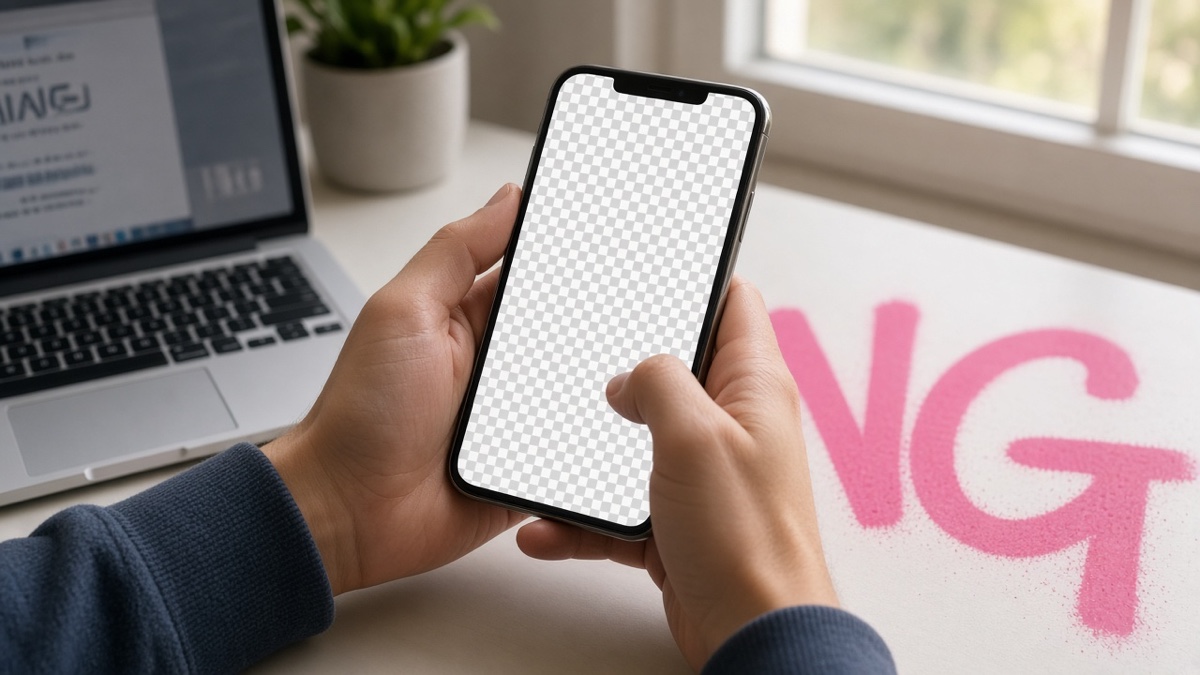
Flat PNG. Not a font.
You want transparent background graffiti because the wall, the shirt mockup, or the Discord banner already has a scene behind your tag. A flat white rectangle around red letters looks like a sticker pasted in a slide deck. What you need is a PNG where empty canvas pixels carry zero opacity so the photo shows through.
The Graffiti Generator clears the canvas when you pick Transparent, then exports whatever paint landed on the 800 by 600 artboard. Below: how alpha works, the exact export clicks, why the checkerboard lies to you, how to stack on photos, and the mistakes that flatten transparency on save.
What does an alpha channel store in a graffiti PNG?
An alpha channel stores per-pixel opacity alongside red, green, and blue. Fully transparent pixels have an alpha value of zero. Opaque spray paint sits at 255. PNG, defined in the PNG Specification, can carry that fourth value in color type 6 (truecolor with alpha). Without it, "transparent" is just a chosen background color, usually white or black, and every app treats the rectangle as solid.
Graffiti art is mostly empty canvas. Letters might occupy thirty percent of an 800 by 600 frame. The rest must be see-through or your composite looks like a label. JPEG cannot store alpha at all, which is why every transparent background graffiti workflow ends in PNG. The generator draws on an HTML canvas, clears it when Background is set to Transparent, then calls toBlob with image/png. That pipeline preserves alpha as long as you do not switch to Solid color or Wall before export.
If you are new to street-style naming, read what is a graffiti tag before you pick a three-letter alias. Short words survive transparent exports better than full sentences squeezed onto the canvas.
How do you export transparent background graffiti from the generator?
Open the Graffiti Generator and type a short word. The input caps at thirty characters because longer strings shrink until the tag is unreadable on the fixed canvas. Pick one of eight open-source fonts: Permanent Marker for clean tags, Rock Salt for hand style, Bungee Shade for block fill, Bangers for comic weight, Rubik Spray Paint for aerosol texture, Anton for heavy condensed blocks, Black Ops One for military stencil weight, or Creepster for horror drip edges.
Set text color, outline width (zero to twelve pixels), and spray intensity. Drop shadow adds a soft offset behind the fill. None of those settings remove transparency when Background stays on Transparent.
Under Background, select Transparent. The gray checkerboard behind the preview is not saved into the file. Solid color and Wall texture bake a fill into every pixel and block anything behind the image.
When the tag looks right, click Download PNG or Copy image. Download writes an 800 by 600 file to your device. Copy sends the same PNG bytes to the clipboard where the browser supports it. If copy fails, the tool falls back to download.
- Type your word (under thirty characters).
- Choose font, colors, outline, spray, and shadow.
- Select Transparent under Background.
- Click Download PNG or Copy image.
- Verify the saved file in a viewer that respects alpha before posting.
Example: type RIOT, pick Bangers, set fill #ff2d55, outline black at 4px, spray at 30 percent, Transparent background. The downloaded PNG is 800 pixels wide, 600 tall, with pink block letters and clear pixels everywhere else. Open it on a dark wallpaper and the wall shows through. Open it on white and you still see only the letters, not a white box.
Why does the checkerboard preview not mean your PNG is broken?
The checkerboard is a lie that helps you. Browsers and canvas tools use alternating gray squares because a flat white preview would hide semi-transparent spray dots at the edges. You need contrast to see faint pigment. The Graffiti Generator wraps the canvas in a CSS checkerboard pattern. That decoration lives outside the exported bitmap.
Apps that flatten transparency sometimes replace clear pixels with white or black on import. That is an app setting, not a broken export. Photoshop shows the same file on a transparency grid. Instagram's story editor composites it over your photo.
If you see gray squares baked in, you exported with Wall texture selected, or an intermediate tool re-encoded the image as JPEG. Re-export with Transparent checked and keep the file as PNG end to end.
How do you stack transparent graffiti on a photo without a white halo?
Import the 800 by 600 PNG as a layer above your photo in any editor that supports layers: Photopea, GIMP, Canva, Affinity, or Photoshop. Set the graffiti layer blend mode to Normal at 100 percent opacity first. The photo should show through every clear pixel immediately.
White halos usually come from a drop shadow on a very light background, print-on-demand uploaders that add a white matte, or saving through a tool that does not support alpha. Remove shadow before export if the fringe shows, and stay in PNG until the final platform upload.
For quick social posts, place the PNG at native 800 by 600 inside a story frame. Upscaling across a 1080 by 1920 story softens edges. Discord profile banners are 960 by 540; pad with transparency in an editor if you need a wider layout.
I've exported hundreds of these PNGs for sticker mockups, and the file that survives Instagram compression keeps a thick outline and flat fill.
Which export settings flatten transparency before you notice?
The most common mistake is forgetting to switch Background back to Transparent after randomizing styles. The Randomize button cycles through transparent, solid, and wall modes. You might love the colors and hit Download without noticing a gray brick fill now covers the whole canvas.
Second pitfall: re-saving in the wrong format. Screenshots of the preview capture the checkerboard CSS background in some browsers if you snip the whole div instead of downloading. Always use Download PNG. Email clients and some chat apps convert attachments to JPEG for bandwidth. Send the file through cloud storage or direct upload fields that accept PNG.
Third: assuming transparency works in text fields. Bios, tweet compose boxes, and Slack message inputs want Unicode characters, not images. Transparent background graffiti is for image slots: story stickers, server icons, slide decks, merch mockups, and video overlays. When you move to fabric, follow how to print graffiti on a t-shirt for POD upload order and fabric contrast checks.
| Background mode | Alpha preserved | Best use |
|---|---|---|
| Transparent | Yes | Overlays on photos, banners, stickers |
| Solid color | No | Tags on colored posters where you want a flat fill |
| Wall texture | No | Preview mockups that need a brick scene baked in |
One honest limitation: the canvas is fixed at 800 by 600. You cannot export 4K from the browser tool without upscaling in an editor, and upscaling does not add detail to the spray speckles. For print larger than a postcard, recreate the tag at higher resolution in vector or raster software using the PNG as a reference. Compare raster exports to installable fonts in graffiti generator vs graffiti font when you need live type instead of a cutout.
Frequently asked questions about transparent background graffiti
What pixel size is a transparent graffiti PNG from this generator?
Every export is 800 pixels wide by 600 pixels tall at 1x scale. Preview zoom on your phone does not change the downloaded file. Download PNG writes the full canvas with alpha intact when Transparent is selected under Background.
Does transparent background graffiti work in Instagram bios?
No. Instagram bios accept Unicode text and emoji, not pasted PNG images. Transparent background graffiti works in Stories overlays, Reels graphics, and feed posts where you layer the PNG in an editor first. Export at 800 by 600, then import into CapCut, Canva, or the native story editor.
Why does my PNG show a checkerboard in the browser but not in Photoshop?
The checkerboard is a preview aid. Photoshop and most design apps replace that pattern with your document background or a transparency grid you can toggle. The file stores alpha values per pixel. Empty canvas areas are fully transparent, not gray squares.
What is the difference between Transparent and Wall background modes?
Transparent clears the canvas before drawing, so only paint, outline, shadow, and spray speckles remain in the PNG alpha channel. Wall texture bakes a gray speckled brick fill into every pixel, which blocks anything behind the image. Solid color does the same with a flat hex fill you pick in the color control.
Will high spray intensity break transparency at the edges?
Spray speckles near letter edges use partial alpha, not opaque white. At full intensity you get more stray dots floating in transparent space. They are still semi-transparent pixels, not a solid matte. Drop shadow adds a soft dark fringe that also carries alpha, so very light backgrounds can show a faint halo until you composite.