How to Make Graffiti Art for Instagram Posts
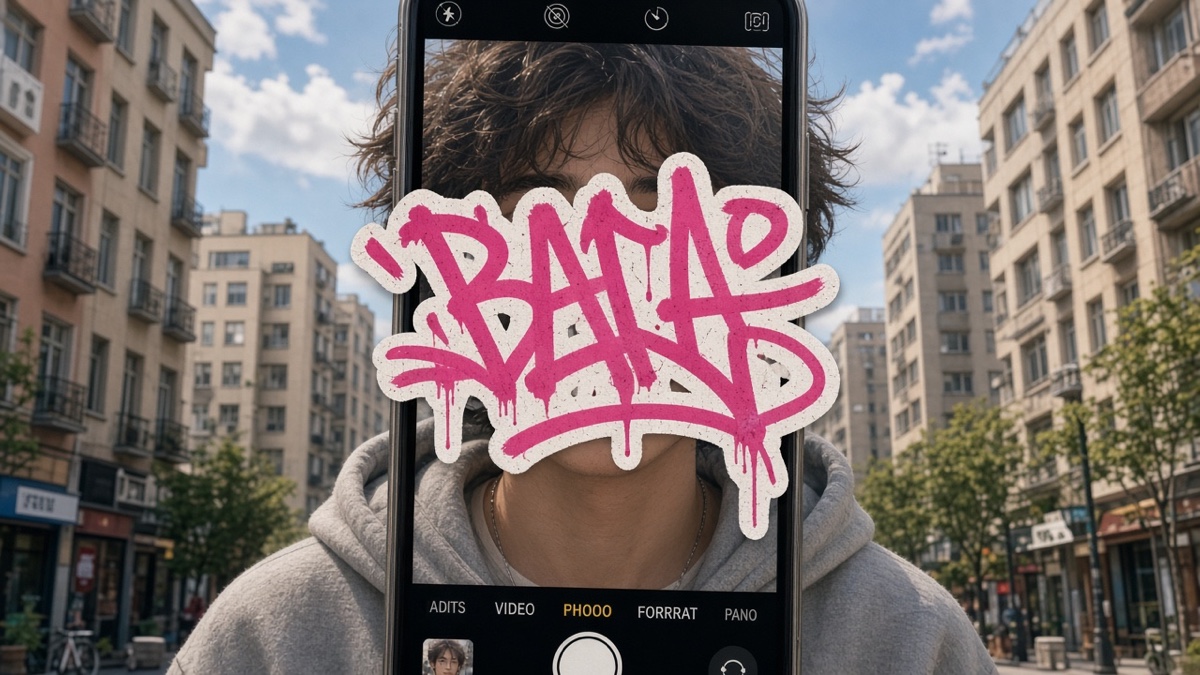
You exported a crisp graffiti PNG, opened Instagram, long-pressed the compose field, and hit Paste. Nothing landed. Or a white box showed up where your transparent tag should sit. That gap is where most graffiti art for Instagram posts die before they reach the feed.
Instagram does not treat feed posts and Stories as the same container. Feed wants a flat square or portrait image. Stories want a tall 9:16 frame. Neither path accepts a pasted PNG the way a desktop editor does. The Graffiti Generator gives you the tag file. You still need a checklist before upload.
Checklist item one: did you pick feed or Stories first?
Feed posts and Stories solve different jobs, so pick the frame before you export. A square or 4:5 feed image keeps your tag readable in the grid thumbnail. Stories give you a tall 9:16 canvas where a vertical tag can dominate the screen, but the same file cropped to square will look cramped. Most short tags read better in Stories when spray edges need room.
And if you care about the profile grid looking uniform, feed is the safer bet. Stories disappear after 24 hours unless you pin them, which suits one-off drops more than a permanent portfolio row. Neither slot accepts live text styling from a font file. You are always uploading a flat image.
Block letter styles like Bungee Shade survive thumb-sized grid cells better than thin marker tags. Bubble graffiti vs block graffiti explains which font families read at small sizes.
Checklist item two: did you export from the generator with enough contrast?
Open the Graffiti Generator, type your word (keep it short for legibility), and choose a font. Eight faces are available: Permanent Marker, Rock Salt, Bungee Shade, Bangers, Rubik Spray Paint, Anton, Black Ops One, and Creepster. Set fill and outline colors with enough contrast. Pick a background mode on purpose.
Transparent is fine for editing later in another app. Solid color is fine if you want the upload to look exactly like the preview. Wall texture bakes brick into the PNG, which Instagram will keep as part of the flat image.
Download the PNG. The canvas exports at 800 by 600 pixels. That is your tag file, not your final Instagram asset. Do not screenshot the preview div. Use Download PNG so the checkerboard CSS never enters the bitmap.
Checklist item three: did you composite onto a 1080-wide canvas?
Open Canva, Photopea, or your phone layout app. Drop the PNG on a blank canvas sized for your target: 1080 by 1080 for a square feed post, 1080 by 1350 for a 4:5 portrait feed post, or 1080 by 1920 for Stories. Center the tag, add margin so spray specks do not touch the crop edge, then export a flat image.
Instagram's photo guidelines recommend width up to 1080 pixels for feed photos. Stories and Reels use a 9:16 aspect ratio at similar widths. Match those numbers on your final composite, not only on the raw generator export.
| Destination | Aspect ratio | Target pixels (width x height) |
|---|---|---|
| Feed square | 1:1 | 1080 x 1080 |
| Feed portrait | 4:5 | 1080 x 1350 |
| Stories / Reels cover | 9:16 | 1080 x 1920 |
DPI metadata on a PNG rarely matters to Instagram because the app reads pixel dimensions, not print dots per inch. A 800 by 600 tag scaled to 2000 pixels wide will look soft on zoom. Our generator canvas is fixed at 800 by 600, so treat that as a sketch size and composite onto a 1080-wide canvas for the real post.
Checklist item four: are you uploading from the gallery, not paste?
Paste fails. Use the gallery picker: tap the plus icon in Instagram, select the finished file, adjust the crop handle to 1:1 or 9:16, and post. That path keeps color and edges closer to what you exported than any paste attempt.
Captions cannot carry your graffiti font. Comments cannot either. Profile name styling is separate from post images. A PNG tag in a Story sticker slot is still a raster image, not editable type. For aesthetic Unicode in bios, see what is vaporwave text and related generator tools.
Checklist item five: did you expect compression to soften spray edges?
Apps that re-encode uploads on save apply compression to keep files small on mobile networks. Instagram follows that pattern: your upload gets resized to fit the viewer's screen, recompressed, and often converted away from PNG's lossless storage. Fine spray dots and thin outline pixels are the first details that soften.
Mechanism, not a daily test log: heavy compression turns high-frequency noise (spray speckle, thin strokes) into smeared gradients. Dark outlines on saturated fills can pick up color bleed after a second encoding pass. Uploading once from a clean master file beats editing inside Instagram and re-saving, which stacks compression.
Transparent PNGs do not stay transparent in the feed viewer. Instagram shows a flat image. If you need a fake wall behind your tag, bake it into the export before upload.
I always composite onto 1080-wide before upload because the feed shaves thin spray dots off raw 800 by 600 exports.
Checklist item six: did you check licensing before brand or merch posts?
The site fonts ship under SIL Open Font License or Apache 2.0 in public/fonts/. Instagram posting for personal use is one thing. Selling shirts with the same export is another checklist. When merch is the goal, read how to print graffiti on a t-shirt for POD upload order and fabric contrast.
Honest limit: the generator will not match a hand-painted piece with drips, chrome, or wildstyle connections. Long words wrap to multiple lines and shrink to fit 800 by 600, which hurts readability in a thumb-sized grid cell.
Frequently asked questions about graffiti art on Instagram
Can you paste a graffiti PNG directly into an Instagram feed post?
No. Instagram feed posts accept images from your gallery, not clipboard PNG paste into the caption field. Style your tag in the generator, composite it in an editor, export a flat image, then tap the plus icon and pick the file.
What is the best aspect ratio for graffiti art on Instagram Stories?
9:16 at 1080 by 1920 pixels. Place your 800 by 600 tag on that tall canvas with margin so spray specks do not touch the crop edge. Stories and Reels covers use the same vertical frame.
Does Instagram keep transparent backgrounds on uploaded PNGs?
Not reliably on feed posts. Instagram flattens uploads during processing, so a transparent graffiti PNG often becomes a JPEG-style image with a solid fill behind the letters. Export with a background color you want, or place the tag on your own background before upload.
How big should a graffiti PNG be before upload?
At least 1080 pixels on the short side of your final composite. The generator exports 800 by 600, which is a sketch size. Scale up inside a 1080 by 1080 feed canvas or 1080 by 1920 Story canvas before you post.
Can Instagram display a graffiti font as styled text in captions?
No. Captions use the app font stack. Your eight generator fonts render only inside the exported PNG. For Unicode styling in bios, use a text generator tool instead of a raster image.